Thursday, 20 October 2016

How to keep a laptop trolley in order

Last week in Digital leaders we practiced putting a laptop safely away in the trolley. Here are some images of people unplugging the laptops and putting them away.


The end result!

This is the end result of how to set up a laptop. There are new headphones that have been plugged into the headphone port. There is also a mouse that has been plugged into the USB port. The power cable has been plugged into the power port and the Ethernet cable in the Ethernet port.


This is how it should look.
 Nice and neat!

How To Connect A USB Port!

This video is all about how to connect a mouse to a USB port on the side of a computer.  First, you have to look for a rectangular cuboid shape on the side of the computer.  Then, you HAVE to check if there is a white rectangle inside the jack and then you plug it into the USB port, white rectangle down.


By Mr. Some Kid :)

First Digital Leaders Post!

Hi, this is my 2nd week of Digital Leaders and today we're going to be talking about the headphone jack and what they do, ENJOY!

This is a headphone jack it's connected to your headphones, Hence the name headphone jack. The person with the headphones can listen to music without disturbing anyone.


Oh so comfy! (;

Power cable

Last week in digital leaders we were learning about how to set up a computer. The most important part of the computer is the power cable.

New Headphones

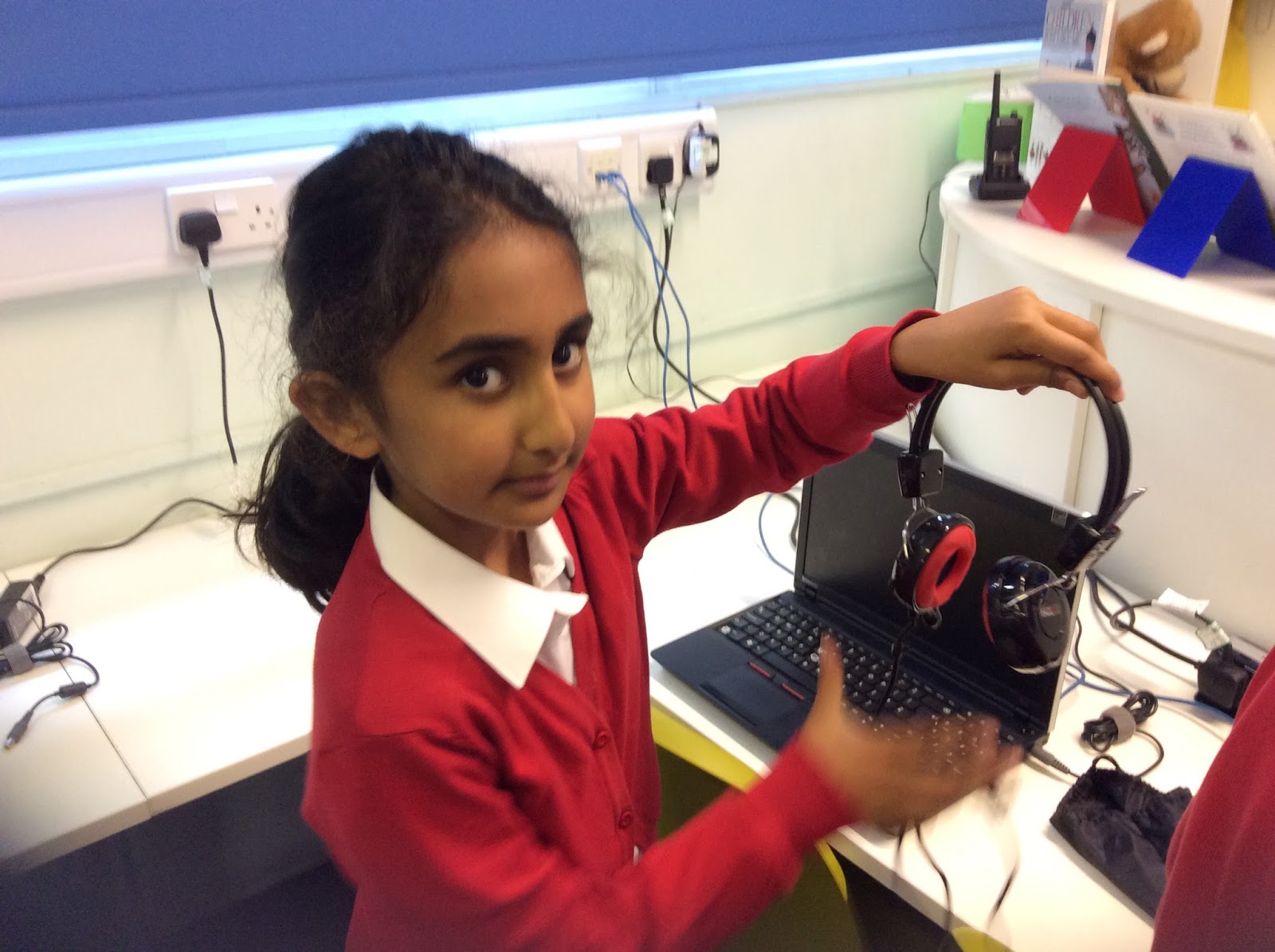
Look at these new headphones that we have in the Studio. Aren't they so cool?


Oooooooooo!

A new year in the Digital Leaders Club!

This week, I have asked the students to explain how to set up the Studio network.  Last week, they set up the network by themselves learning words such as USB port, Ethernet cables, power cables and headphone jacks.

This week I've asked them to write short blog posts to explain what they learned.  They should be able to upload some photos and maybe some videos too.

Fingers crossed!

Mr C.